 +1 (409) 247-5496
 +61 468 036 171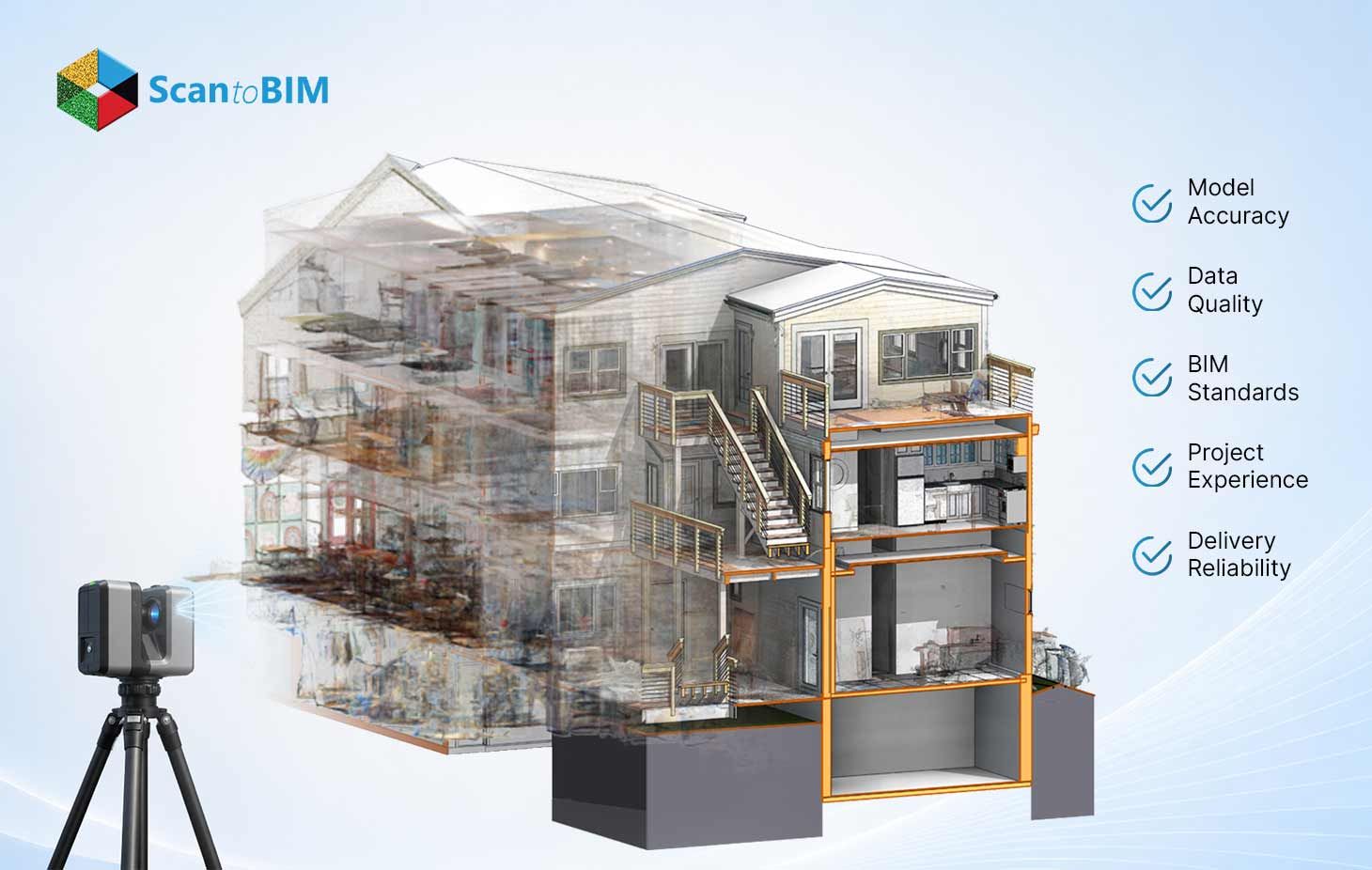
A survey firm receives a laser scan of an old hospital wing or old hospital building. The client wants an as-built model tight enough for MEP prefabrication. Three provider quotes sit on the desk. Two look nearly identical on price. So the firm must pick the partner who delivers a model that fits the real building, and spot the one who guesses at geometry when the scan turns fuzzy.
Surveyors open these deliverables for a living. Some Revit files match the scan within a few millimeters. Other files show walls floating 40 mm off the registered cloud. This guide walks through the exact factors a surveyor checks, in the order they get checked.
Why Quality and Accuracy Matter in BIM Deliverables
Accuracy sits at the center of every downstream decision. A modeler traces walls, slabs, ducts, and steel from a scan. Each traced element carries forward into clash detection, fabrication, and facility operations. A 15 mm drift feels small on screen. That same drift forces a fabricated duct to clash with a beam on site.
Research backs these findings up with hard numbers. One study published in the Journal of Computing in Civil Engineering measured requests for information across paired projects. Teams cut RFIs by 34% on a tilt-wall job, 68% on an assisted living facility, and 43% on a midrise. Accurate as-built data drives most of that gain. Fewer on-site questions mean fewer stoppages, fewer change orders, and a schedule that holds.
So the partner choice shapes the whole project. A weak model creates rework. A strong model pays the firm back many times over.
10 Key Factors to Compare Point Cloud to BIM Companies
Buyers who compare point cloud to BIM companies side by side make sharper choices. Use these ten checks as a scorecard. Rank each candidate on every point. The picture sharpens fast.
1. Industry Experience
Ask how many years the firm has delivered as-built models. Ask which building types they handle. A team that models hospitals daily reads a messy MEP scan faster than a team fresh to healthcare. Request the count of scans they process each month. Volume builds a pattern. recognition. Skilled modelers interpret unclear point cloud regions with confidence because they have seen the same conditions before.
2. Technical Expertise
Experience counts the years. Expertise counts the depth. Probe how the team handles registration errors, occluded zones, and reflective surfaces. Glass, polished steel, and dark ducts scatter laser returns. A capable modeler recognizes noise and models the true edge. Ask them to describe their approach to a stairwell shot from a single scan position. Their answer reveals real skill within seconds.
3. Accuracy Standards and QA/QC
This factor separates strong firms from average ones. Ask for the written tolerance the firm commits to. Ask how they verify it. A serious partner overlays the finished model against the registered cloud and reports the deviation.
Typical tolerance bands look like this:
| Deliverable | Common tolerance |
|---|---|
| Architectural models | ±10 mm |
| MEP and fabrication work | ±5 mm |
A well-run Point Cloud to BIM workflow reaches ±10 mm or better when the team pairs quality scanners with experienced modelers. Request a sample deviation report. Request a sample deviation report. The color map shows exactly where the model tracks the cloud and where it drifts. Green zones match the scan. Warm colors mark the trouble spots. A firm that runs this check on every deliverable holds itself to a real standard. Ask how often they sample. A full overlay beats a spot check every time.
4. Level of Development (LOD) Capabilities
LOD defines how much detail each element carries. Match the LOD to the project goal.
- LOD 200 suits early planning with approximate shapes.
- LOD 300 supports design and coordination with accurate geometry.
- LOD 400 adds fabrication and installation detail.
- LOD 500 captures the verified as-built condition for operations.
Confirm the team delivers the LOD the project demands. A firm that models only to LOD 300 struggles when a job needs fabrication-ready steel. State the LOD in the contract to avoid surprises.
5. Software Expertise (Revit, AutoCAD, Navisworks, ReCap)
Tool fluency shapes output quality. Revit leads the field in point cloud to Revit conversion, with its strong modeling depth and broad format support. Autodesk ReCap prepares and indexes the raw scan. Navisworks runs clash detection across combined disciplines. AutoCAD handles 2D drafting and basic scan edits.
Confirm the team works fluently across this stack. Ask which format they accept: RCP, RCS, E57, or PTS. A firm that requests the native scan format signals an easy intake process.
6. Turnaround Time
Speed matters when a site schedule tightens. Ask for a realistic timeline on a project of matching size. A firm with a large trained bench scales up fast. Request their standard delivery window for a 50,000 square foot floor plate. Compare the numbers across firms. Watch for a promise that sounds too fast, because rushed modeling invites tolerance drift.
7. Project Portfolio and Case Studies
Ask to see finished models beside the source scans. A strong portfolio shows the relevant building type. Review the deviation reports inside their case studies. A firm proud of its accuracy shares these openly. Request client references in the same sector. A quick call to a past client reveals how the team performs under pressure.
8. Communication and Collaboration
Great modeling still fails when communication breaks. Ask how the team shares progress. Ask who owns the account. A single point of contact keeps questions moving. Confirm the time zone overlap for live calls. Scan to BIM services run smoothest when the modeler flags a question early rather than guessing at a hidden condition. Set a shared review cadence at kickoff.
9. Data Security and Confidentiality
Scans carry sensitive building data. Ask how the firm stores and transfers files. Confirm they sign an NDA. Confirm they encrypt data in transit and at rest. Ask about access controls on their modeling team. A partner with clear security protocols protects the project and the client relationship. Request their data retention policy to know when files get purged.
10. Scalability and White-Label Support
A project pipeline grows and shrinks. A partner who scales with that demand saves the firm from hiring cycles. Ask whether they offer white-label delivery for surveying firms who resell the model. Confirm they handle a sudden 10-project surge without quality loss. BIM outsourcing services work best when the expert flexes capacity to match demand. Scalability turns a one-time firm into a long-term partner.
Questions to Ask Before Hiring a Point Cloud to BIM Company
Bring this short list to every vendor call:
- What tolerance does the firm commit to, and how do they verify it?
- Can the firm share a deviation report from a recent project?
- Which LOD does the firm deliver as standard?
- Which scan formats does the firm accept?
- Who serves as the single point of contact?
- How does the firm secure the scan data?
- How fast does the firm scale for a multi-project surge?
Clear answers signal a mature firm. Vague answers signal risk. A trustworthy point cloud to BIM service provider answers each question with specifics and provides proof.
Why Surveying Firms and AEC Companies Outsource Point Cloud to BIM
Surveying firms capture the scan with skill. Modeling the cloud into a full BIM asset demands a different craft and a large, trained team. Outsourcing frees the field team to stay on site capturing more locations. It also converts a fixed payroll into a flexible cost that tracks project flow.
AEC firms outsource for capacity and speed. A general contractor facing a tight bid deadline taps an offshore team to model overnight across time zones. The work arrives ready for review the next morning. This model keeps in-house staff focused on design and coordination while a specialist handles the heavy modeling load.
Cost plays a role too. A skilled offshore Scan to BIM company delivers quality models at a rate that supports healthy margins. The math favors outsourcing when volume climbs, and deadlines compress.
Conclusion
Comparing firms requires careful checking. Accuracy standards, LOD capability, software fluency, and clear communication tell a firm most of what it needs. A firm that shares deviation reports and commits to a written tolerance earns trust. A firm that dodges those questions earns a pass.
Weigh the ten factors as a scorecard rather than a single verdict. The best partner scores well across accuracy, security, and scalability together. A strong point cloud model rests on that whole picture rather than one number in isolation.
Start with a small pilot. Send one scan and grade the result against the ten factors above. The pilot shows the truth faster than any sales deck. Open the model in Navisworks, overlay the scan, and walk a few key rooms. The overlay shows what a spec sheet leaves out. Choose with care, and the model repays the effort on every project that follows.